Wolfbox
Diamond Sponsor
- Thread starter
- #1
If you’re new to Wolfbox or just looking for the best way to install your dash cam, we’ve got you covered! Here are the three most popular methods to get your Wolfbox dash cam up and running. Each has its pros and cons, so you can choose the one that fits your needs best.
Rubber Strap Installation
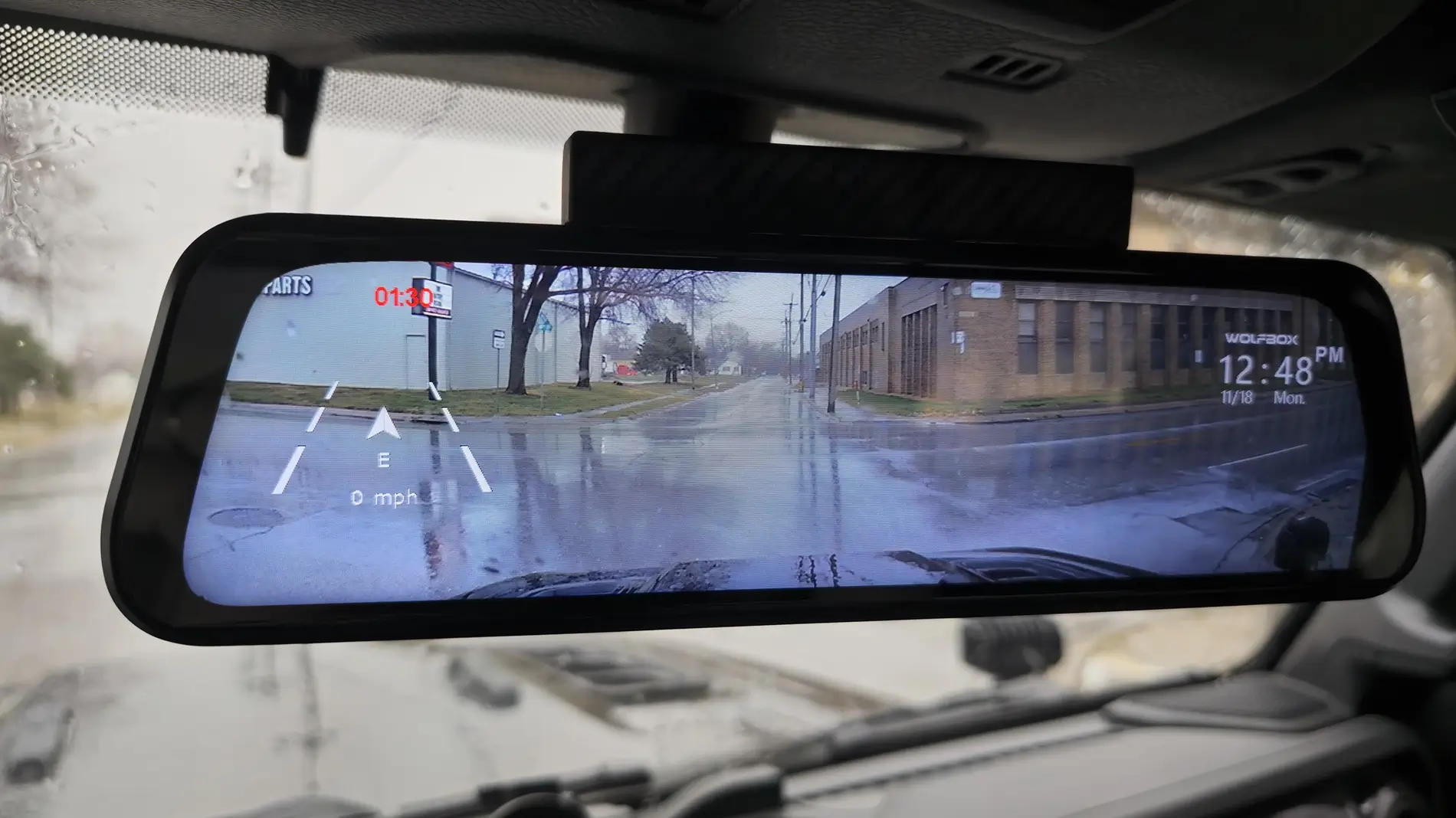
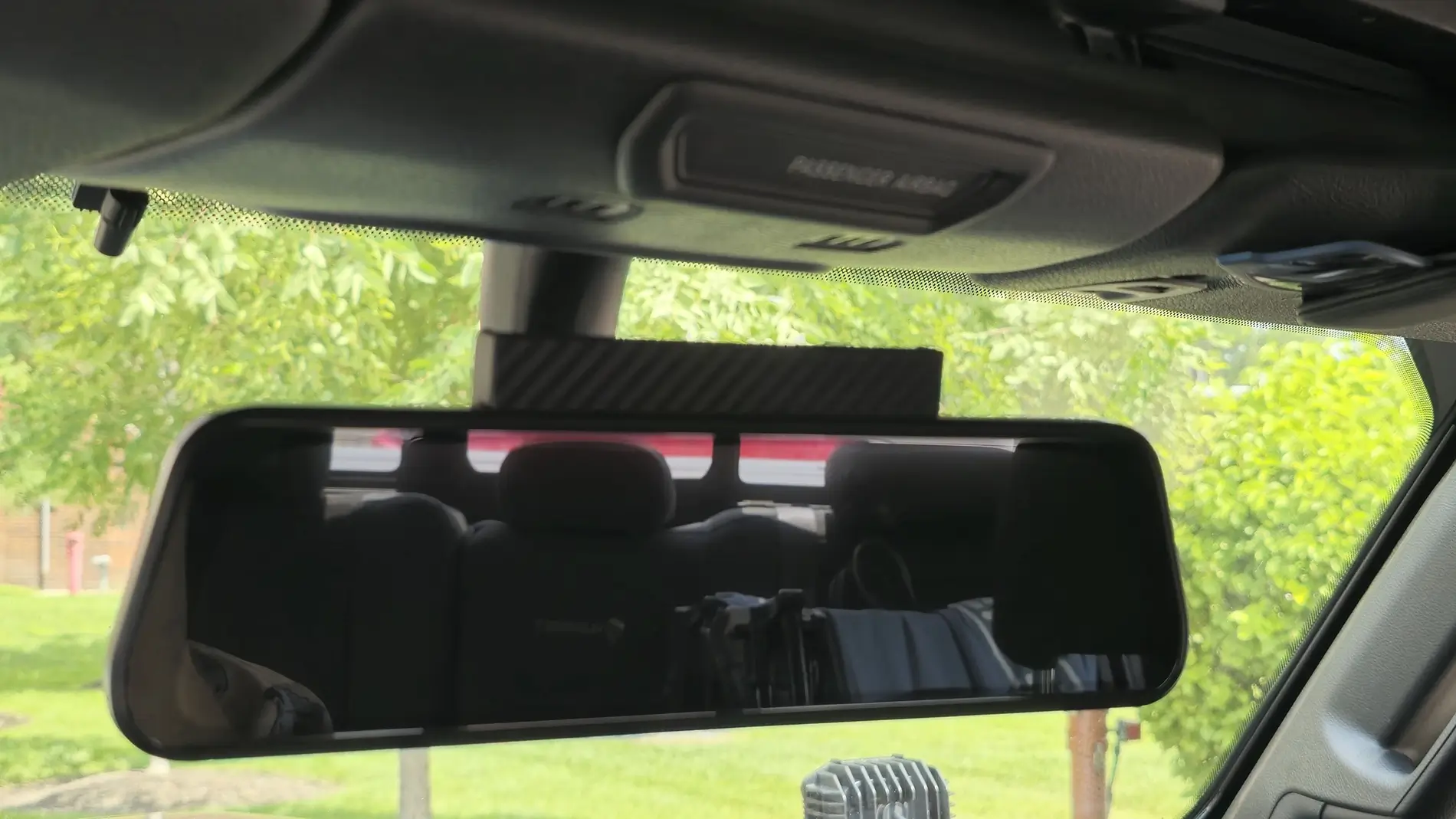
This is the simplest and quickest way to set up your dash cam. Using the rubber straps included in your package, you can secure the dash cam directly onto your car’s original rearview mirror. It’s straightforward and requires no extra tools, making it perfect for beginners. However, some users find this method a bit bulky, as the dash cam sits on top of the original mirror, adding some extra thickness.
OEM Bracket Installation
For those who prefer a sleeker and more integrated look, the OEM bracket is the way to go. This option requires purchasing the Wolfbox OEM bracket separately. You’ll need to remove your car’s original rearview mirror and its supporting bracket, then replace it with the Wolfbox bracket. While it’s slightly more time-consuming to set up, the end result is worth the effort. The dash cam will look like it was part of your car’s original design!
Video tutorial:
Center Console Base Bracket Installation
This method is different from the traditional dash cam placement. Instead of attaching the dash cam to the upper windshield area, you can mount it on your car’s dashboard using a dedicated stand. This gives you more flexibility in positioning and keeps the windshield clear, but it may take some time to adjust the angle for the best recording view. If you want a distinctive setup or have a unique windshield design, this could be the option for you.
Video tutorial:


We’d love to hear from you!
Have you tried any of these installation methods? Share your experience, tips, and tricks in the comments to help new users find the best setup for their Wolfbox dash cam. Your advice can make all the difference!
Rubber Strap Installation
This is the simplest and quickest way to set up your dash cam. Using the rubber straps included in your package, you can secure the dash cam directly onto your car’s original rearview mirror. It’s straightforward and requires no extra tools, making it perfect for beginners. However, some users find this method a bit bulky, as the dash cam sits on top of the original mirror, adding some extra thickness.
OEM Bracket Installation
For those who prefer a sleeker and more integrated look, the OEM bracket is the way to go. This option requires purchasing the Wolfbox OEM bracket separately. You’ll need to remove your car’s original rearview mirror and its supporting bracket, then replace it with the Wolfbox bracket. While it’s slightly more time-consuming to set up, the end result is worth the effort. The dash cam will look like it was part of your car’s original design!
Video tutorial:
Center Console Base Bracket Installation
This method is different from the traditional dash cam placement. Instead of attaching the dash cam to the upper windshield area, you can mount it on your car’s dashboard using a dedicated stand. This gives you more flexibility in positioning and keeps the windshield clear, but it may take some time to adjust the angle for the best recording view. If you want a distinctive setup or have a unique windshield design, this could be the option for you.
Video tutorial:
We’d love to hear from you!
Have you tried any of these installation methods? Share your experience, tips, and tricks in the comments to help new users find the best setup for their Wolfbox dash cam. Your advice can make all the difference!
Sponsored