Mattsraptor 2025
Active Member
- Thread starter
- #1
DRL modification issue/question
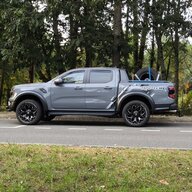
Vehicle: 2024 Next Gen Ranger Raptor 3.0 V6 (UK/IRL model)
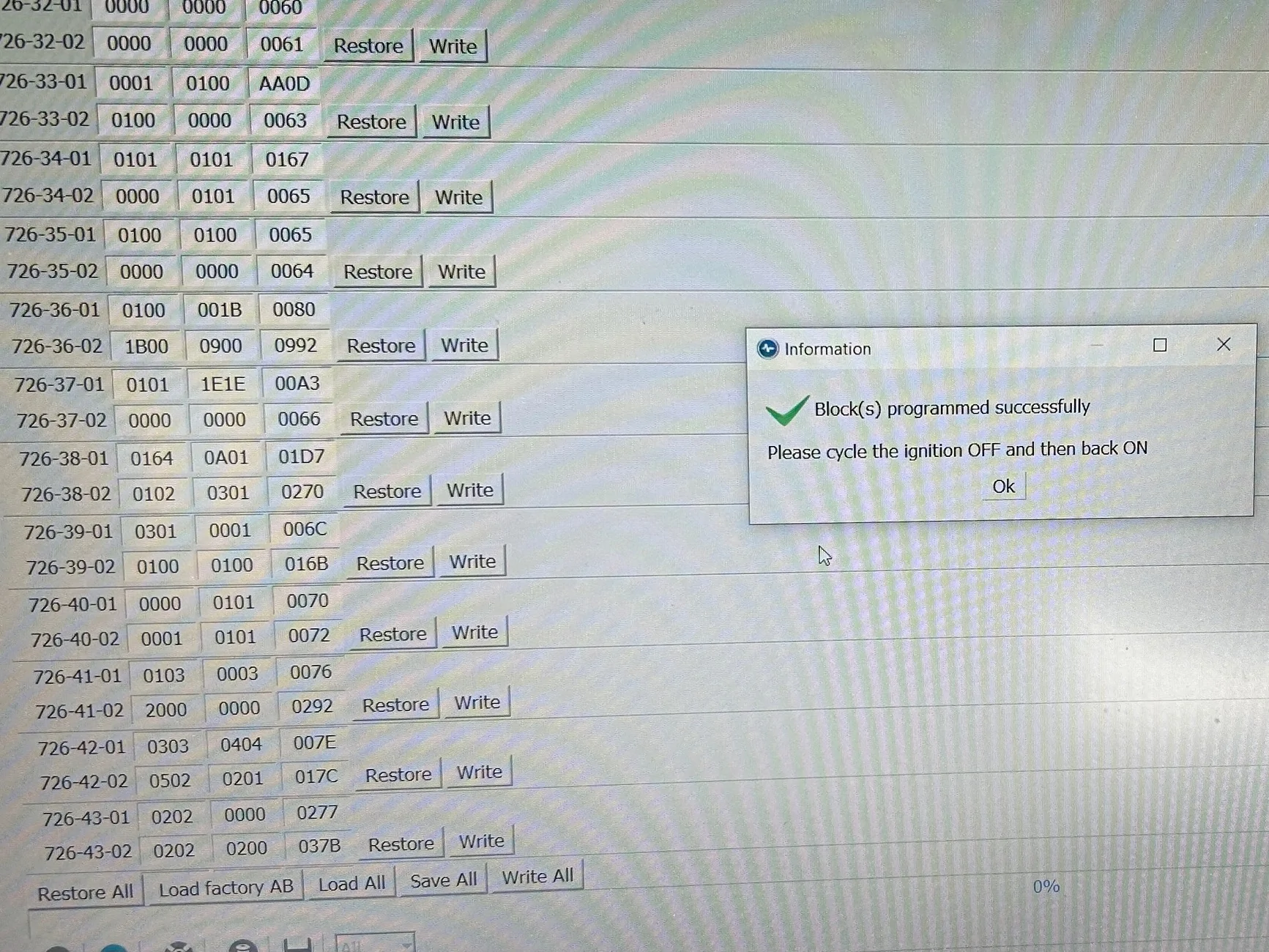
Hardware: OBD Link MX+ & Windows laptop PC running Windows 10 - all up to date with latest firmware etc.
Sync 4 latest version (I think)
Software: Forscan for Windows latest version 2.3.64 (not beta)
*EDIT* Just sighted the latest 2.3.65!!
Module: APIM (Non-Asbuilt)
Spreadsheet: FORScan RA Ranger
I wanted to include DRL Menu Control within Sync 4.
Prior to starting the mod, the DRL’s were active as soon as the vehicle was started and only dimmed when the dipped beams were switched on.
When the mod was completed, using APIM Non-Asbuilt (Enable/Disable), the menu became available which included a toggle-switch and a note stating that the DRL’s would only come on if the main light switch was set to auto. The toggle-switch within Sync 4 would allow the DRL’s to be switched on/off but only if the main switch was left in the auto position.
I decided that this configuration wasn’t for me and reverted the changes to what they were prior to starting.
Once completed, I noted that the DRL’s would not default to on with the engine running, however with the main switch set in the auto position, they would.
As mentioned above, prior to starting the mod, the DRL’s would default to on regardless of the main switch position.
Is it likely there’s a glitch somewhere that’s preventing the DRL’s defaulting to the previous setting?
Cheers.

Vehicle: 2024 Next Gen Ranger Raptor 3.0 V6 (UK/IRL model)
Hardware: OBD Link MX+ & Windows laptop PC running Windows 10 - all up to date with latest firmware etc.
Sync 4 latest version (I think)
Software: Forscan for Windows latest version 2.3.64 (not beta)
*EDIT* Just sighted the latest 2.3.65!!
Module: APIM (Non-Asbuilt)
Spreadsheet: FORScan RA Ranger
I wanted to include DRL Menu Control within Sync 4.
Prior to starting the mod, the DRL’s were active as soon as the vehicle was started and only dimmed when the dipped beams were switched on.
When the mod was completed, using APIM Non-Asbuilt (Enable/Disable), the menu became available which included a toggle-switch and a note stating that the DRL’s would only come on if the main light switch was set to auto. The toggle-switch within Sync 4 would allow the DRL’s to be switched on/off but only if the main switch was left in the auto position.
I decided that this configuration wasn’t for me and reverted the changes to what they were prior to starting.
Once completed, I noted that the DRL’s would not default to on with the engine running, however with the main switch set in the auto position, they would.
As mentioned above, prior to starting the mod, the DRL’s would default to on regardless of the main switch position.
Is it likely there’s a glitch somewhere that’s preventing the DRL’s defaulting to the previous setting?
Cheers.

Sponsored