Sponsored

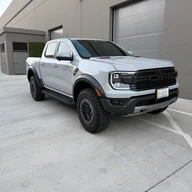
Hands-free drive Comma.ai Four installed on 2024 Ranger Raptor

daytoncarter

Well-Known Member
First Name
Dayton
Joined
Sep 26, 2025
Threads
10
Messages
429
Reaction score
613
Location
USA
Vehicle(s)
2021 Genesis G70 SP 3.3T, 2025 Ranger Lariat
The comma 4 has been great. The newer updates are out and the driving is more smooth and the visual info on the display is more informative.

I just completed a 2,000 mile road trip and I used the system for 80-90% of the highway miles. It really made the time more enjoyable and reduced my fatigue significantly. I was able to wipe out large chunks of miles easily, with low effort and could enjoy the scenery (to a certain extent).

I don’t recommend this for everyone and you should not expect to just activate the system and take a nap. You must pay attention and be aware but once you’re used to it, it’s very smooth and safe.

As far as using it for a Dashcam, I poked around and believe the feature may still be coming in future updates. I could be wrong.
If you're considering a 4 versus a 3 or 3x, just know the newer driving models can be loaded on older hardware, just not a 2.

So you don't need the newest to have the better driving models, in fact, the processing power in the 4 is disappointingly the same as before, just a more compact build. I have a 3x but I'm waiting on a more powerful model to upgrade, since that might meaningfully improve the experience.

For reference Tesla's self-driving computer delivers 144 TOPS (computing units, think horsepower) versus 3 TOPS for the Comma 4.
Sponsored

 

CaptAngry

Well-Known Member
Joined
Oct 4, 2022
Threads
12
Messages
430
Reaction score
697
Location
Denver, CO
Vehicle(s)
2026 RRaptor
Occupation
Space Engineer
Anyone who has more insight into Comma (and I assume their forums and Reddits) know if anyone has tried this on a 2026 yet? I heard (but cannot confirm) that 2026 went to an encrypted CAN bus so the Comma wouldn't work.
Well I can confirm the answer to my own question: The comma four does indeed work fine with a 2026 Ranger Raptor. I installed mine last night along with Bluepilot 7.0 and it works quite well so far in my testing. I'll think about creating an install thread one of these days.
 

ilikethetunahere

New Member
Joined
Jul 20, 2025
Threads
0
Messages
3
Reaction score
4
Location
USA
Vehicle(s)
2025 Ranger
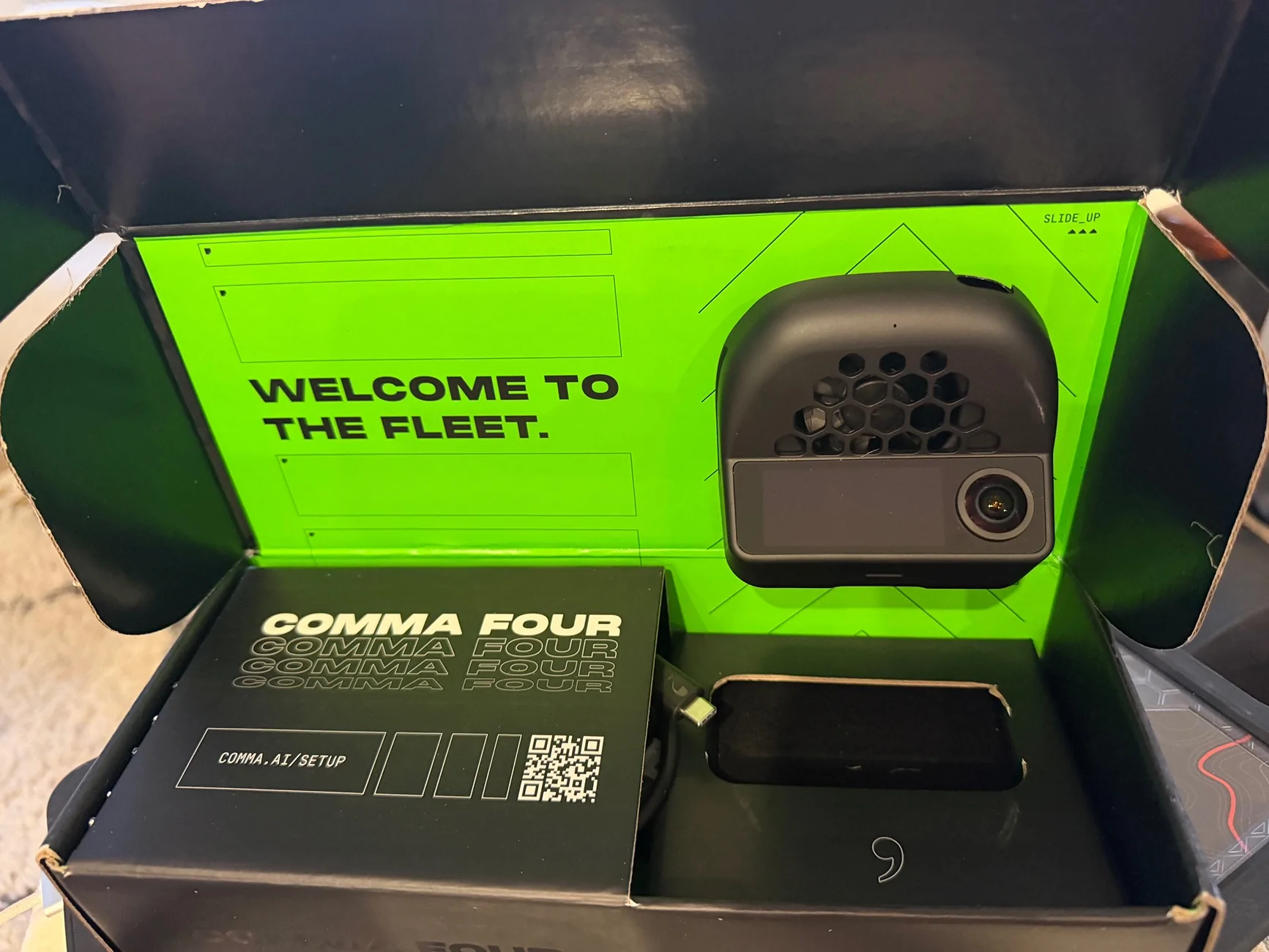
I also picked up a Comma Four during the recent holiday sale. It included an extra long USB-C cable, so no need to buy an additional extension cable like some of the previous install guidance suggests.

Running BluePilot 7.0.

I've written up an initial impressions review below for those who are curious. TL;DR: It works, but I don't think it's worth the cost for most people.

-------

Models

There doesn't seem to be much info online about models that work well with our trucks, so adding my brief experiences here. I'd love to hear what others are having success with and how the different models compare. I've only had a couple evenings to play with it but so far I've tested:

Curvature (default) steering + default (CD210?) model. This worked pretty well but felt a little twitchy and late to initiate turns. It oversteered into the neighboring lane on sharper curves. I had to assist with torquing the wheel on very sharp high-speed curves, but that seemed reasonable.

Angle steering + WD40. From what I've read, WD40 used to be the go-to for Ford trucks even though it hugs the right lane, but it was awful for me. In addition to the hugging it frequently understeered or oversteered out of lane, even on moderate curves, and frequently alerted me to take control. I didn't recalibrate in-between changing configs, so this could have been operator error, but the lane hugging alone makes me uncomfortable with this model.

Angle steering + North Nevada V2. Much more natural feeling. Never once needed input from me, even when I intentionally took a couple sharper curves at higher speeds than I usually would, trying to find its torque limit. It seemed to bias hugging the right lane (though not as drastic as WD40) but other times it stayed pretty centered. I've read the models need some time to adjust when you first load them, so maybe this will keep improving?

My biggest gripe with models is that you can't change the model unless the Comma has an internet connection, unless I'm missing something. It needs to be in "off-road" mode, which can only be enabled in Sunnylink via another remote device like a computer or smartphone. You can't enable it via the Comma's UI. I understand not allowing users to change models mid-drive, but if the device is not active and the car is not moving or parked, there should be a way to switch to a different cached model using only the Comma device. As things stand now I have to drive all the way back to my house and pull up outside the living room just to change the driving model.

Initial impressions / quirks

Comma's ACC apparently doesn't integrate well with Ford's ACC system, so most Ford users opt to keep using Ford's ACC ("longitude" control), and just use the Comma for lane centering ("latitude" control). This is the BluePilot default. I'm fairly happy with Ford's ACC for my primary use cases, but I was hoping for something a little more intelligent, so this was a bit of a letdown to not get an improvement here.

Frequently (30-50% of the time?) I will get an error on boot--vehicle not found, or something like that? I have to restart the device for it to start up correctly.

While I appreciate and prefer the compact size of the Four for visibility improvements, navigating the tiny menus is cumbersome. Sunnylink is nice but again requires both devices to be connected to the internet. A bluetooth option would be preferred.

Occasionally it's done strange things to my dash. Like this evening the dash switched to the drive mode select screen for 30 seconds or so, even though I never changed drive modes.

If you disable Sunnypilot on the Comma, a warning appears on the dash about the forward collision system not working. I would think there should be an easy way to bypass the Comma without adversely affecting the vehicle. I haven't tried just unplugging it yet.

Is it worth it?

For most people, probably not. I've been fairly satisfied with Ford's stock lane centering performance. My main frustration has been from it using torque sensing to detect if your hands are on the wheel instead of capacitive touch like many other systems do. I can wedge my arm in ways that provide just the right amount of torque, but on long highway cruises this restricts my neck and shoulders to only a couple positions and I still frequently get alerts to grab the wheel, requiring me to shake it.

If I only drove around town, this wouldn't be a big deal. But I plan on keeping this truck for 10-20 years and I take a few trips every year that require 10-12 hour drives each way on long stretches of open highway. I don't think it's worth this cost just to fix Ford's cheap hand-sensing implementation, but I also know I'll really appreciate having a properly functioning lane keep system for my long highway cruises. There are a lot of quirks with the software, but I'm hoping those improve with time.

I'm okay changing models and whatnot, but I'm probably not going to take the time and energy to study my historic driving telemetry and fine-tune all the parameters. It seems these Comma devices are more rewarding for those who are willing to tinker with the technical settings.

I'll post a follow-up review after a few months of real-world use, or if I decide to return it.
 
Last edited:

bbrett

Active Member
First Name
Brian
Joined
Aug 22, 2026
Threads
3
Messages
38
Reaction score
53
Location
Ventura, CA
Vehicle(s)
2026 Ranger Raptor, 2020 F-250 Tremor, 2023 Mustang Mach-E
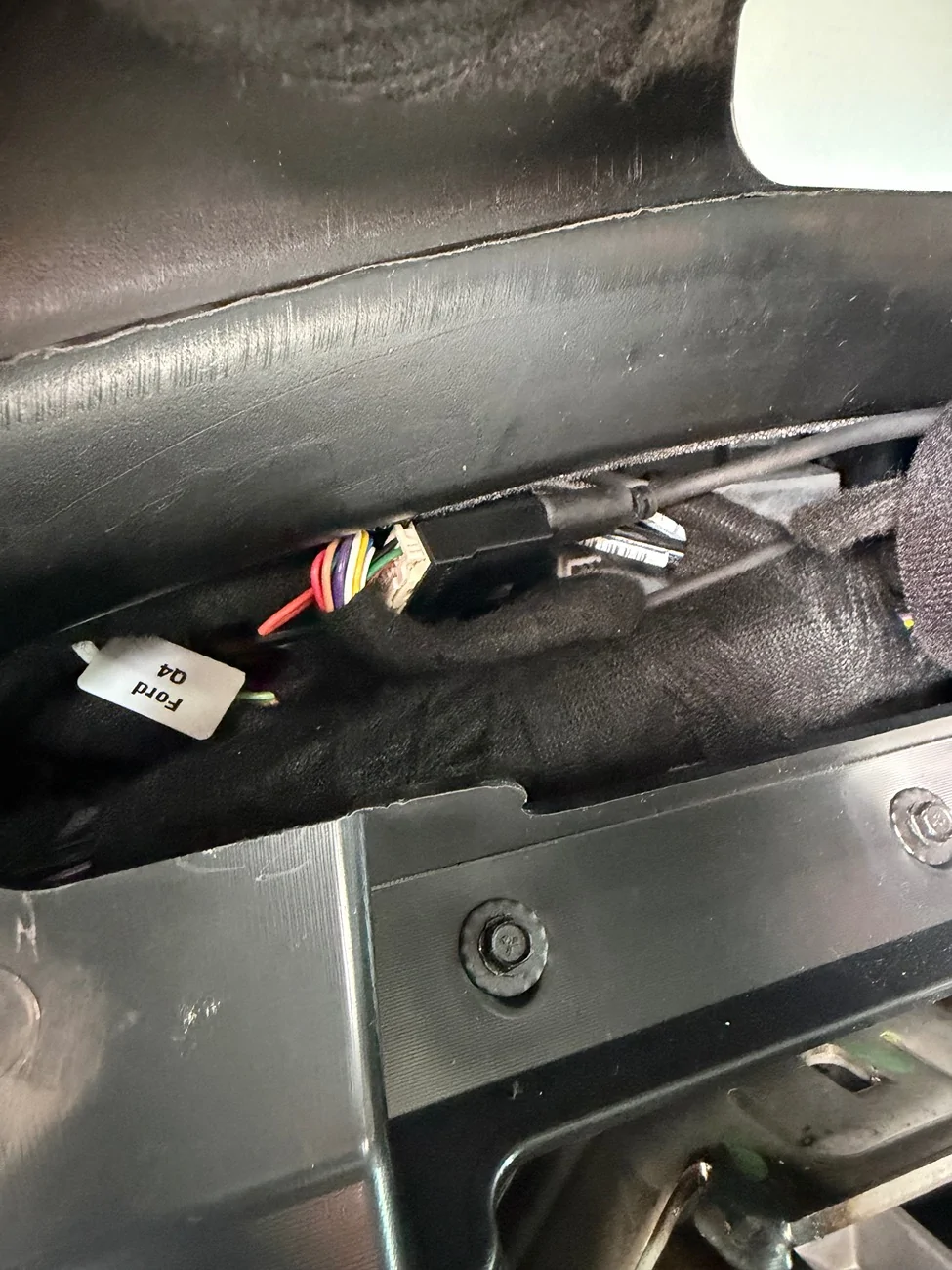
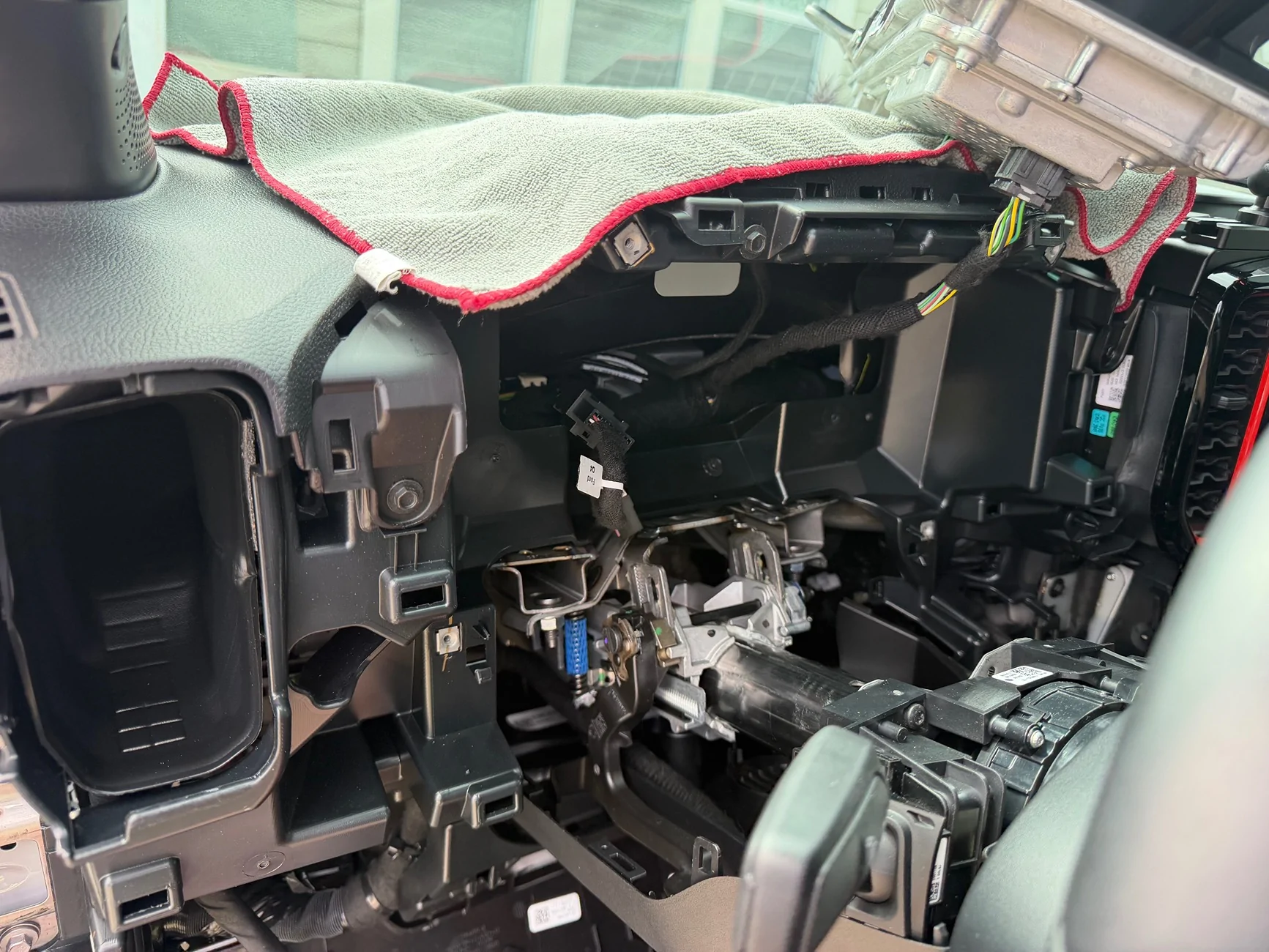
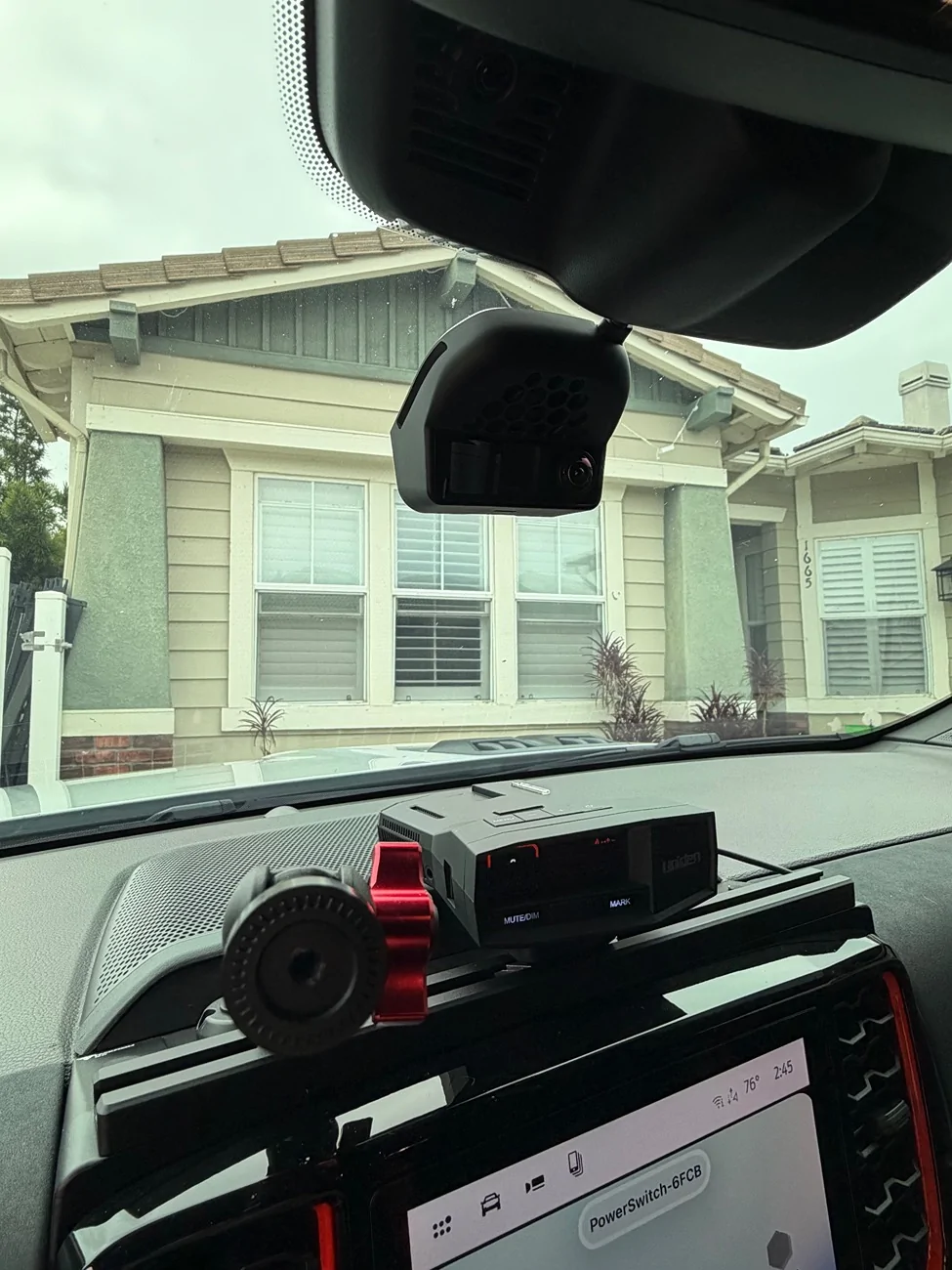
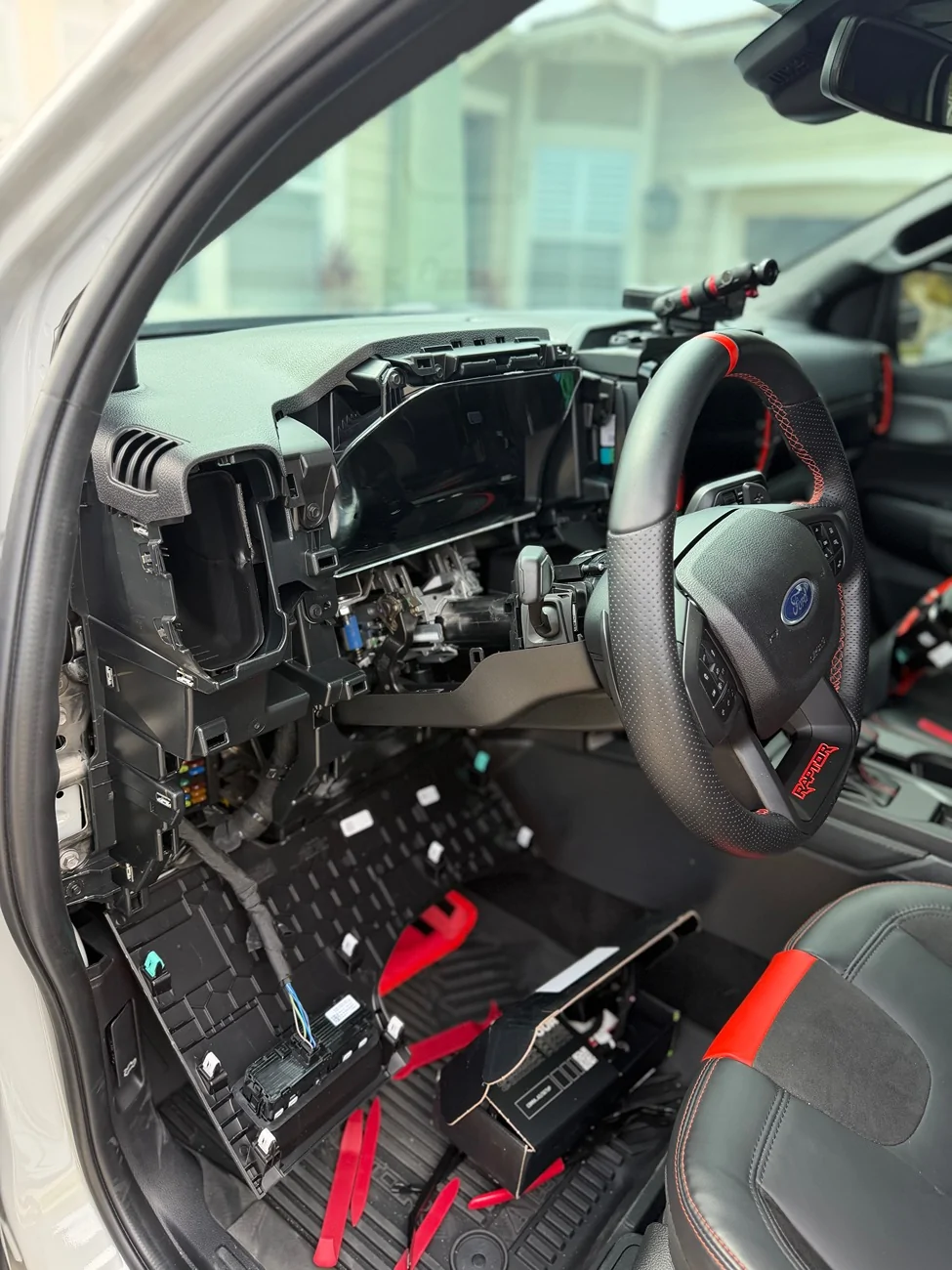
just got mine today, going into install this weekend.

Ford Ranger Hands-free drive Comma.ai Four installed on 2024 Ranger Raptor tempImageLGpgzl
 

stemplar

Well-Known Member
Joined
Sep 7, 2023
Threads
19
Messages
802
Reaction score
1,156
Location
Pennsylvania
Vehicle(s)
2025 Ranger Lariat 2.7
Well I can confirm the answer to my own question: The comma four does indeed work fine with a 2026 Ranger Raptor. I installed mine last night along with Bluepilot 7.0 and it works quite well so far in my testing. I'll think about creating an install thread one of these days.
I'm looking forward to that installation post!
 

Sponsored

CaptAngry

Well-Known Member
Joined
Oct 4, 2022
Threads
12
Messages
430
Reaction score
697
Location
Denver, CO
Vehicle(s)
2026 RRaptor
Occupation
Space Engineer
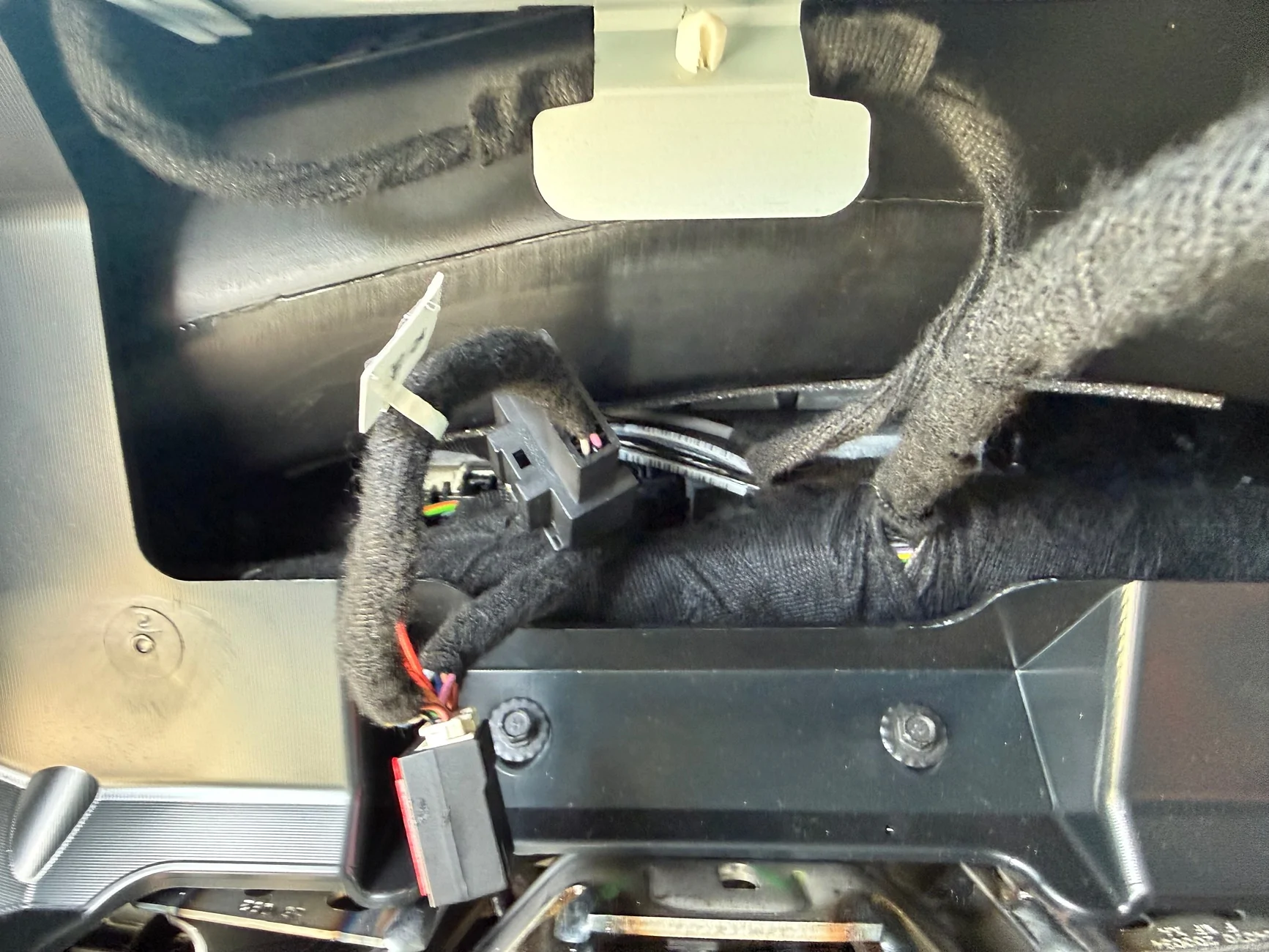
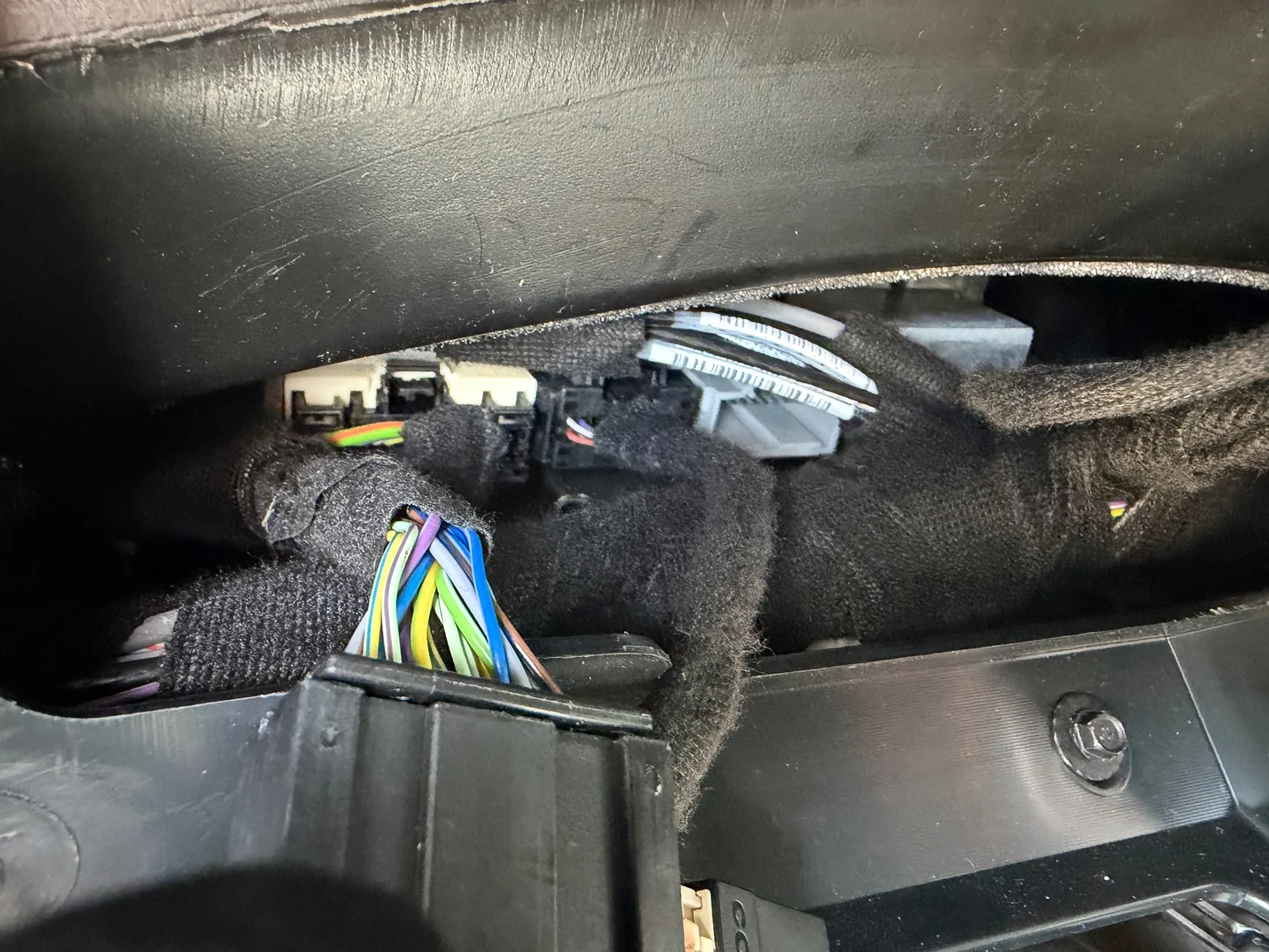
Not sure if I'm going to get around to doing an install post. I didn't take very many photos :headbang:

What I did have is a message the other day that said "out of memory: reboot your device". So the software isn't perfect yet. I do have the ODB power hooked up so it is powered all the time, so the computer doesn't do a reboot every start. Once I rebooted it was fine
 

bbrett

Active Member
First Name
Brian
Joined
Aug 22, 2026
Threads
3
Messages
38
Reaction score
53
Location
Ventura, CA
Vehicle(s)
2026 Ranger Raptor, 2020 F-250 Tremor, 2023 Mustang Mach-E
Ford Ranger Hands-free drive Comma.ai Four installed on 2024 Ranger Raptor IMG_2442
Ford Ranger Hands-free drive Comma.ai Four installed on 2024 Ranger Raptor IMG_2443
Ford Ranger Hands-free drive Comma.ai Four installed on 2024 Ranger Raptor IMG_2445
Ford Ranger Hands-free drive Comma.ai Four installed on 2024 Ranger Raptor IMG_2444
Ford Ranger Hands-free drive Comma.ai Four installed on 2024 Ranger Raptor IMG_2449
 
Last edited:


Top