renato23
Well-Known Member
- Thread starter
- #1
This Ranger is my first "connected" car. I got so excited with the possibility to control my car from an app on my iphone. Very cool.
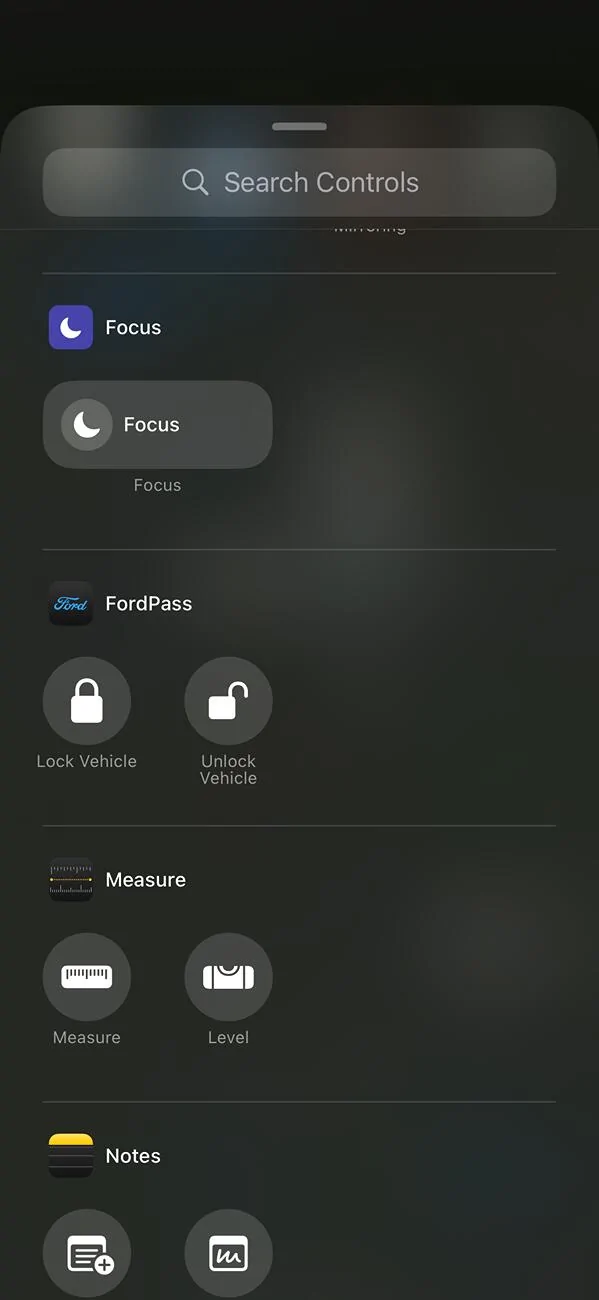
The excitement lasted about a week. Yes, it is cool. But I have to unlock my phone, open the FordPass app, click (or slide) to make the action you want.
First I tried using "Shortcuts" from apple to create a simple way to take this actions. Using this method I was only able to use the lock/unlock using the native FordPass options. Yeah. Definitely some progress but I wanted more.
Deeper in my research, found a Reddit post with some shortcuts to download that promised to work the way I wanted. Even with some security concerns, I decided to try them out.
???W-O-W???
That's what I was looking for this whole time! Not only it worked, it gave me lots of possibilities. Now I can ask Siri (from my phone or even from my apple watch): "Siri, turn on Ranger". And as it wasn't enough, she also respond "Ranger turned on" by writing on the screen and also by voice.
Now I have specific shortcuts for:
- Turning the car on/off
- Locking/unlocking
- Ask where my car ir (opens maps and shows the location) - not really useful to me
- Ask how is my oil life - not useful to me as well

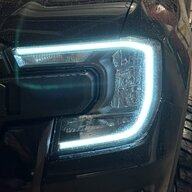
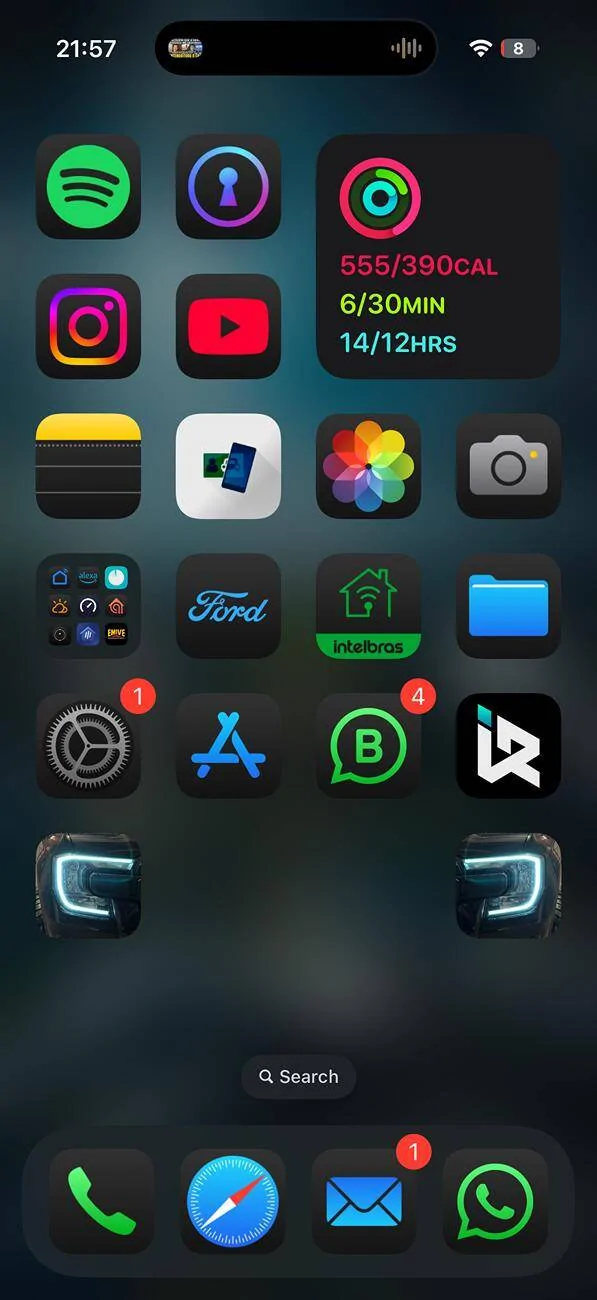
And I added two shortcuts to my phone home screen and used a picture I took from my DRL (the same I use as my profile pic here). One is for turning the vehicle on. The other is for locking the vehicle.
Here is the link to the Reddit post:
Disclaimer: I still have some security concerns. For it to work you have to insert your ford pass login, password and also your car VIN. Try this at your own risk.
The excitement lasted about a week. Yes, it is cool. But I have to unlock my phone, open the FordPass app, click (or slide) to make the action you want.
First I tried using "Shortcuts" from apple to create a simple way to take this actions. Using this method I was only able to use the lock/unlock using the native FordPass options. Yeah. Definitely some progress but I wanted more.
Deeper in my research, found a Reddit post with some shortcuts to download that promised to work the way I wanted. Even with some security concerns, I decided to try them out.
???W-O-W???
That's what I was looking for this whole time! Not only it worked, it gave me lots of possibilities. Now I can ask Siri (from my phone or even from my apple watch): "Siri, turn on Ranger". And as it wasn't enough, she also respond "Ranger turned on" by writing on the screen and also by voice.
Now I have specific shortcuts for:
- Turning the car on/off
- Locking/unlocking
- Ask where my car ir (opens maps and shows the location) - not really useful to me
- Ask how is my oil life - not useful to me as well
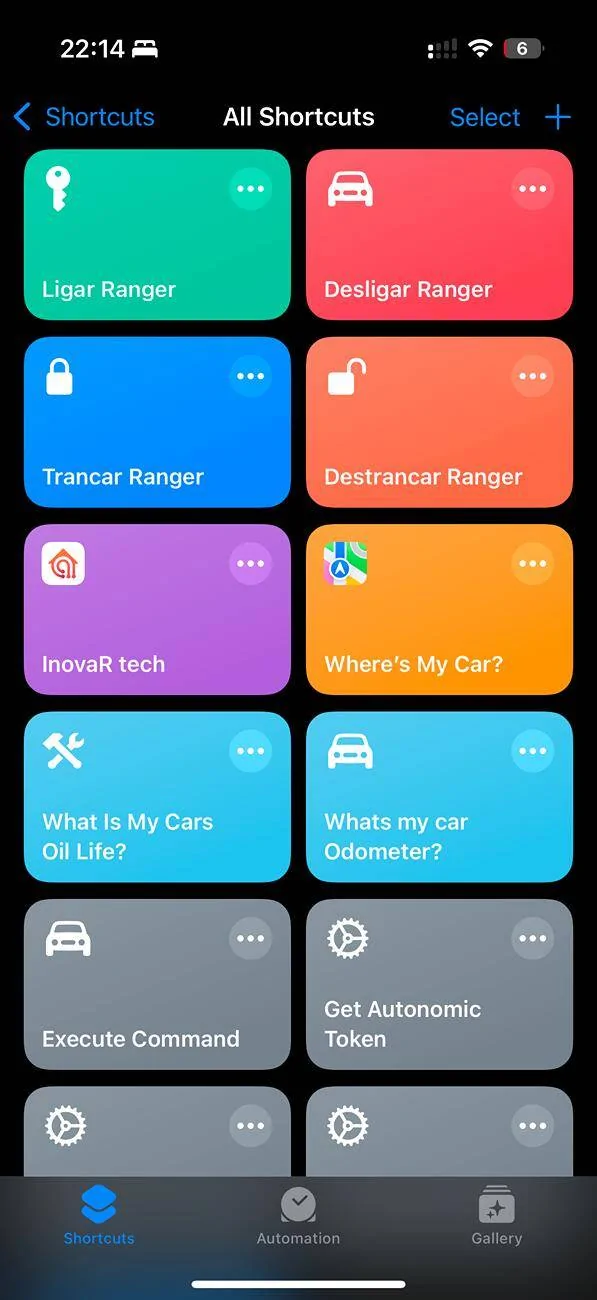
And I added two shortcuts to my phone home screen and used a picture I took from my DRL (the same I use as my profile pic here). One is for turning the vehicle on. The other is for locking the vehicle.
Here is the link to the Reddit post:
Disclaimer: I still have some security concerns. For it to work you have to insert your ford pass login, password and also your car VIN. Try this at your own risk.
Sponsored